Custom Features
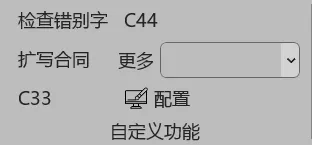
Custom Features lets you create your own AI functions tailored to your needs, offering maximum flexibility.
Creating a Custom Feature
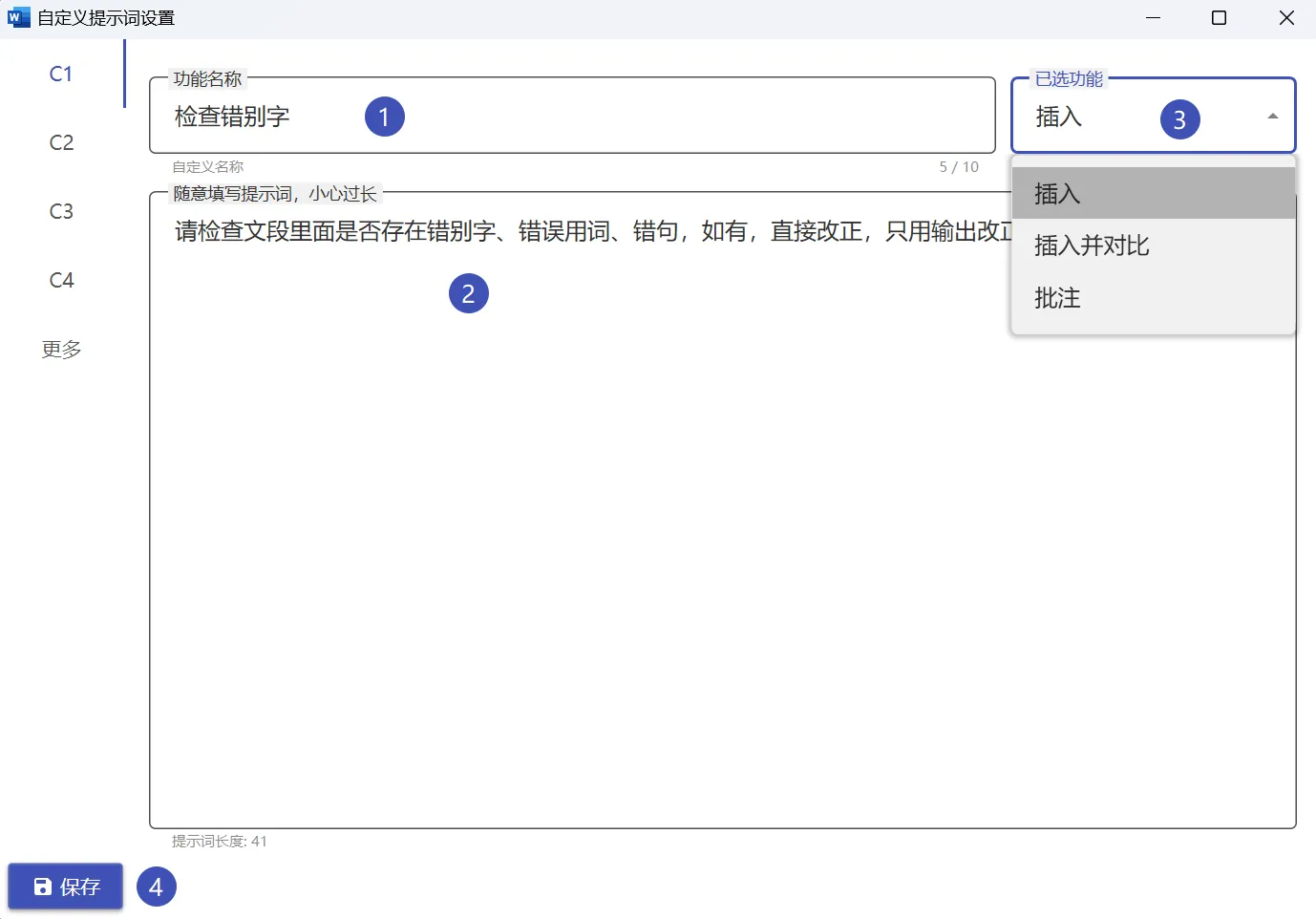
- Open the WordOllama settings interface
- Select the "Custom Features" tab
- Click the "Add" button
- Enter the feature name and corresponding prompt
- Save and it will appear in the feature panel
Prompt Writing Tips
- Clear Task: Clearly describe what the AI needs to do
- Provide Examples: Input/output examples improve accuracy
- Set Format: Specify output format like Markdown, JSON, etc.
- Constraints: Define limits such as word count, style, etc.
Example Use Cases
- Summary Generation: Auto-generate document summaries
- Format Conversion: Convert selected text to specific formats
- Code Generation: Generate code snippets from descriptions
- Data Analysis: Analyze and summarize table data