Translation
The Translation feature helps you translate document content into other languages.
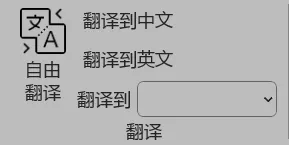
How to Use
Select the text you want to translate in your document, choose the target language in the feature panel, and click the translate button. The AI will maintain the original document format during translation, and results will be displayed in track changes mode.
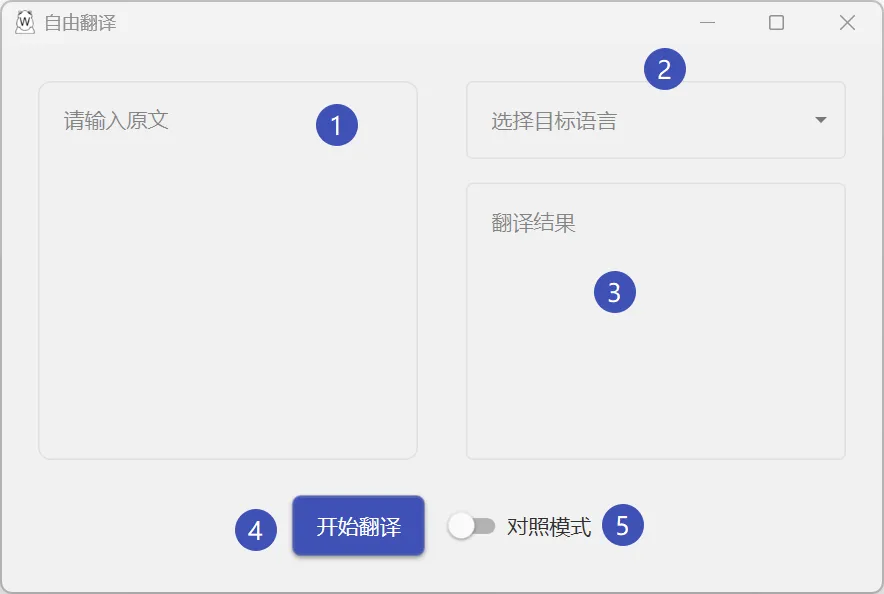
Supported Languages
- Chinese (Simplified/Traditional)
- English
- Japanese
- Korean
- French
- German
- Spanish
- Russian
- And other common languages
Tips
- Translating shorter paragraphs yields better results
- Technical document translation quality depends on model capability
- Human proofreading is recommended, especially for important documents